Hello! Finally, a new devlog entry! This time, this entry is dedicated to showing off my vibecoded image/video renderer. As you probably know already from the site news, it's based on J. Kyle Pittman’s public CRTSim repository.
The reason I made this project is because I really loved his games, most notably Super Win The Game. Almost all of them have this very nice CRT simulation in them, and I never saw anyone else make a project using J. Kyle’s CRTSim.
Now, you might be wondering, what is this simulation like? Well, why don’t I just show it to you? Take a look at it:
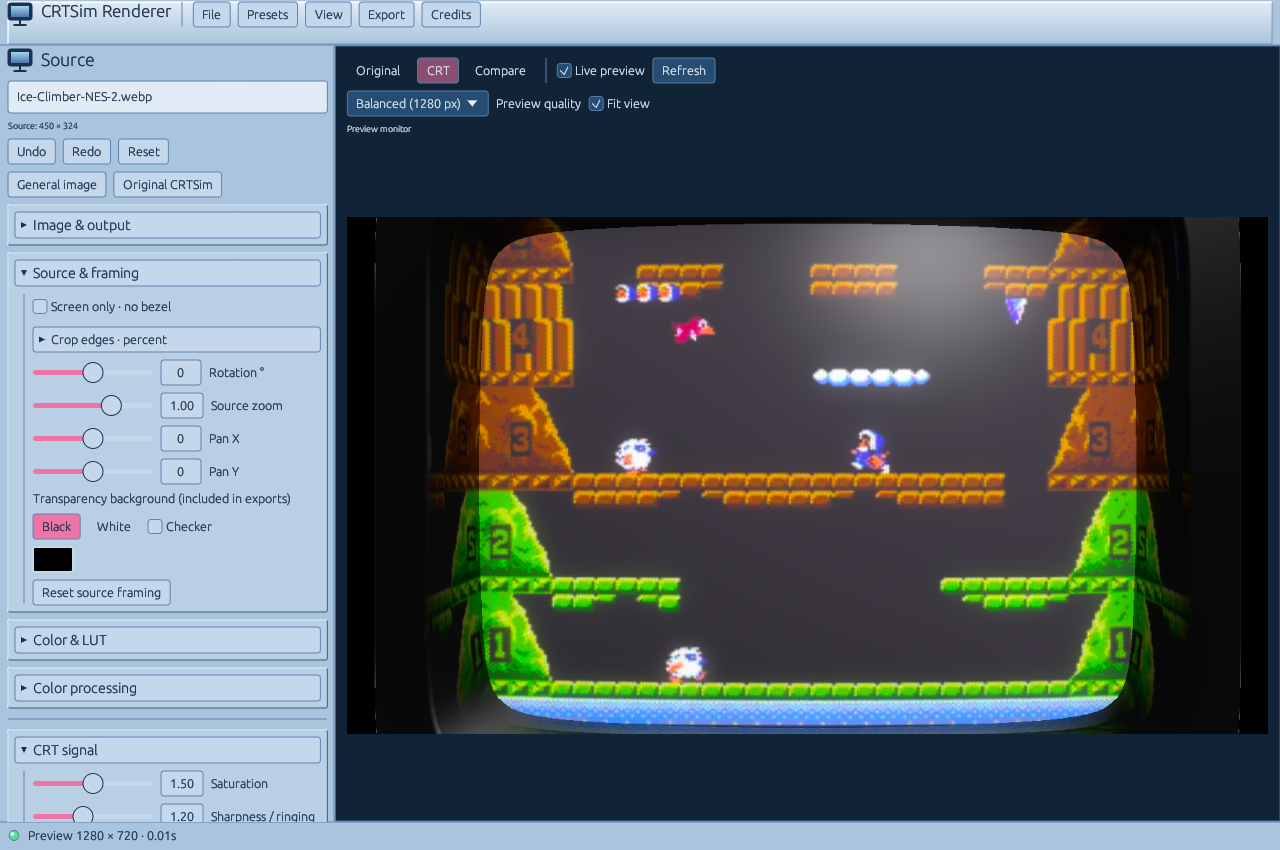
Heh, rare non-Azumanga image... Anyways, cool, right? Obviously, it works best with pixel art, but you can use it with basically anything. Take a look at the exported examples:
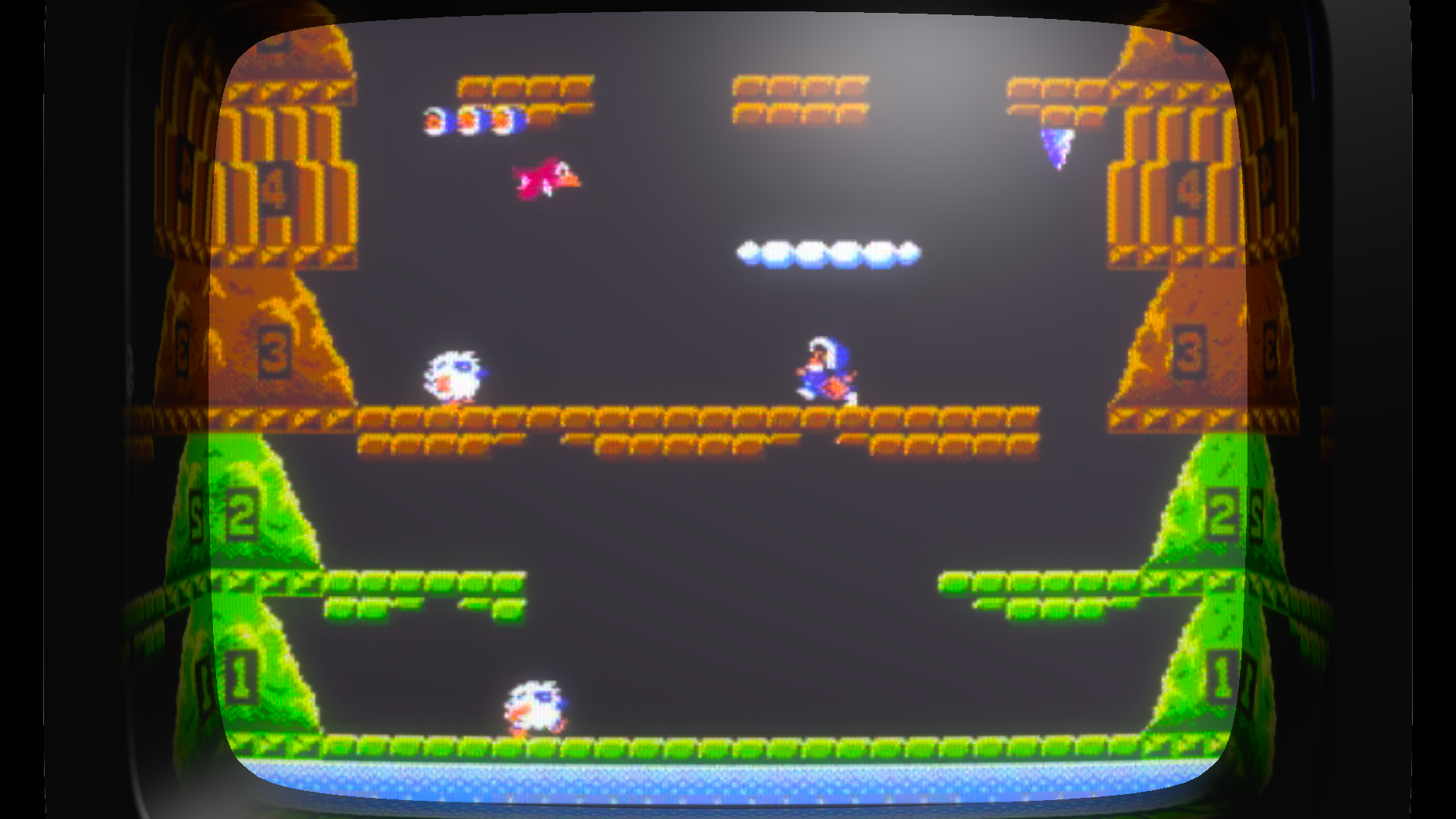
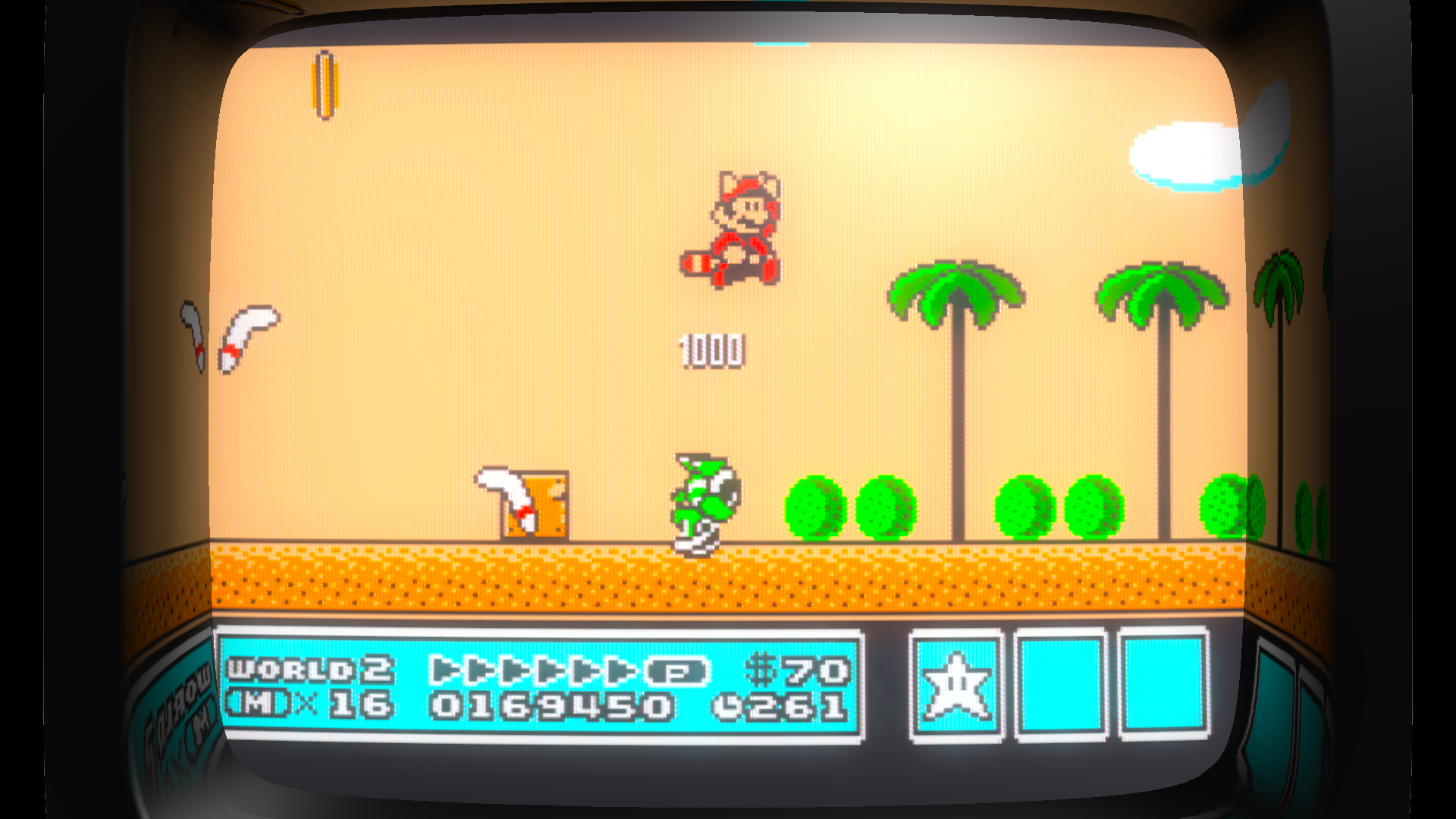
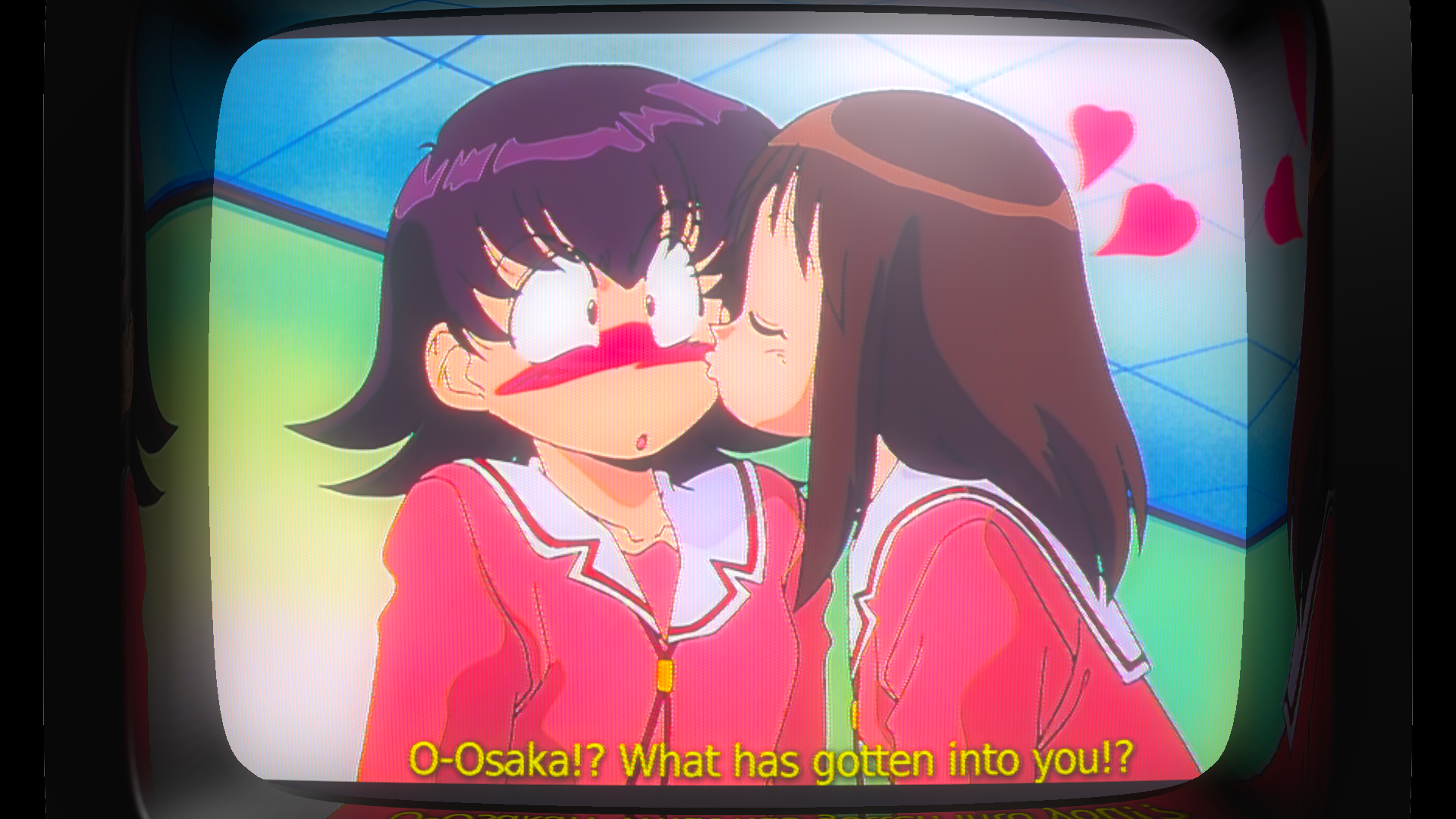
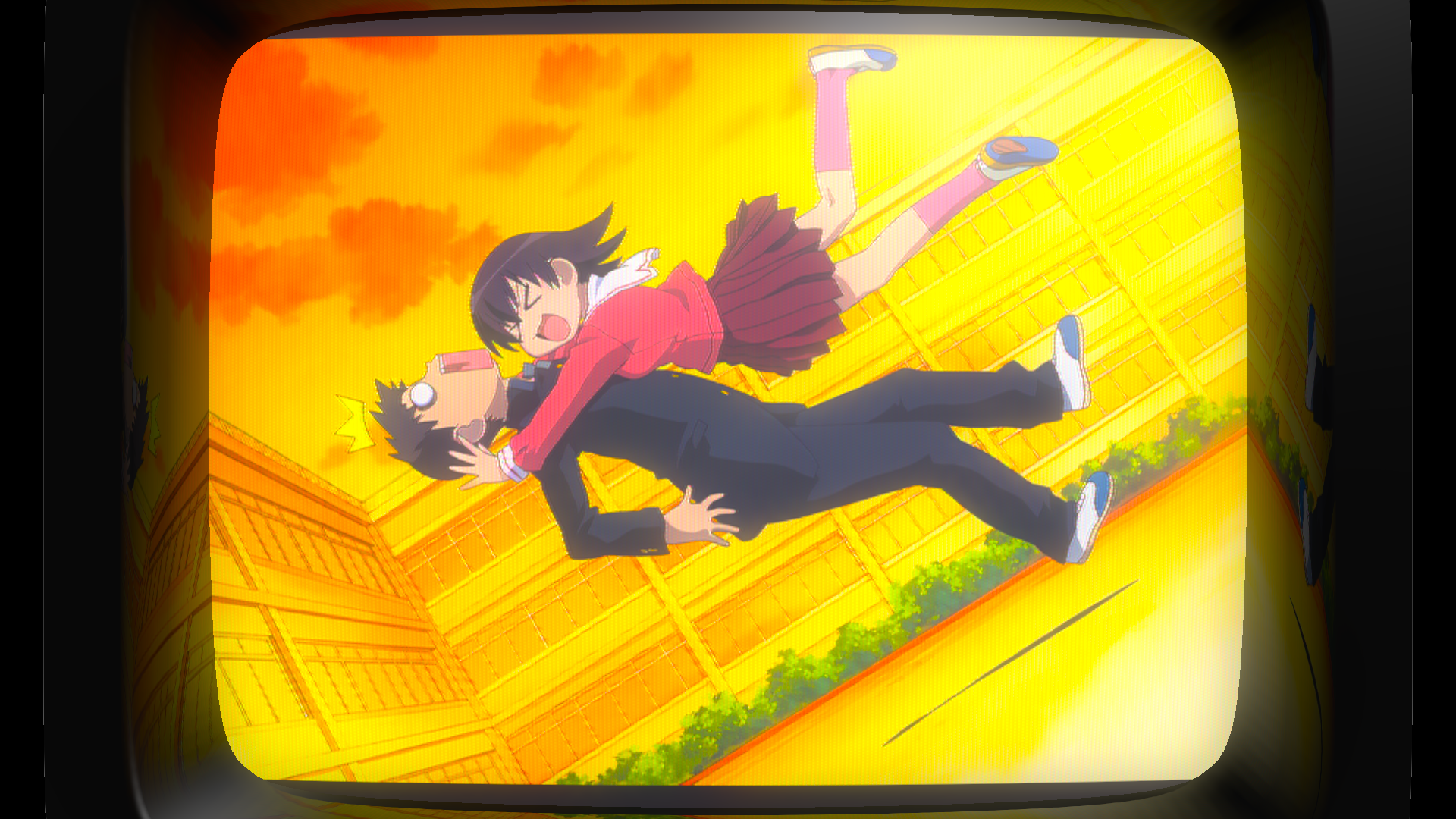
It also works with video! But you need a full FFmpeg installation, including ffprobe (you can Google how to install it, you’re a grown ass person!).
Here is one example (I decided to crop it to fit better):
If you're interested in my presets, here is the .json for importing it: https://files.catbox.moe/yrqqhr.json.
Aaaand that’s about it! Hope you guys enjoy! You can download it using the CRTSim button on the navigation bar. (Also, buy all Minor Key Games on Steam/itch.io, they’re awesome!)